

Scan to pay parking. No app required.
Scan-to-pay parking for lot owners, operators and cities. Drivers scan a QR code, enter their plate and pay by phone. Each payment creates a session enforcement can check. Timed sessions support reminder texts and remote extensions.
Book a demoScan-to-pay parking, built AI-first
ParkingChief brings scan-to-pay parking to lots, garage levels and curbs. No printed tickets and nothing to install but a sign: drivers pay from their phone, every payment is a live session on the plate, and enforcement handhelds with AI license plate recognition see who has paid.
How scan-to-pay parking works at the lot
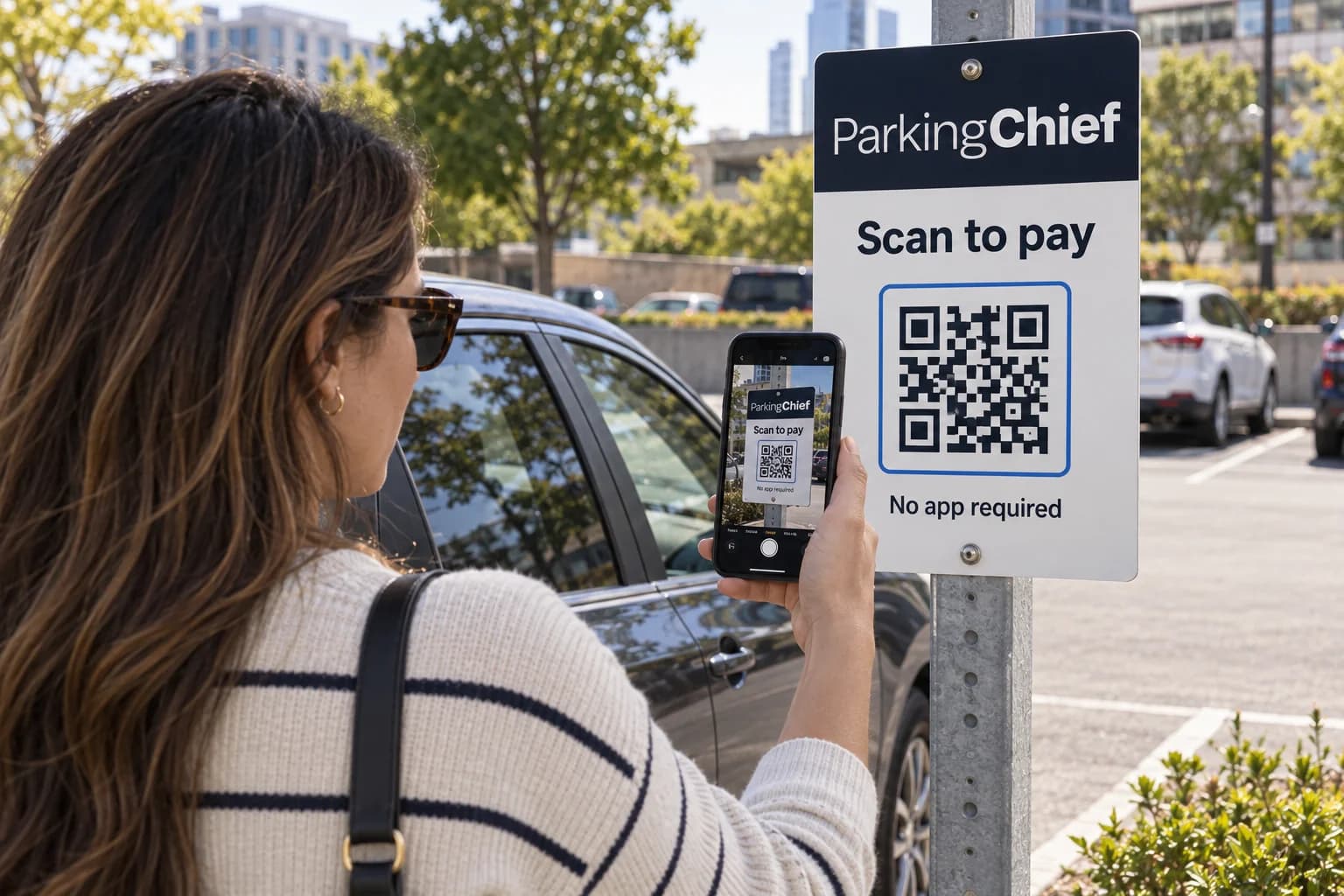
Scan the QR code. No app required.
Post one QR code per lot, zone or curb. Drivers scan it with the phone camera to open the parking payment page. No download, no account, no line at a machine.
- Rates, time limits and event rates set per location
Pay for parking from your phone
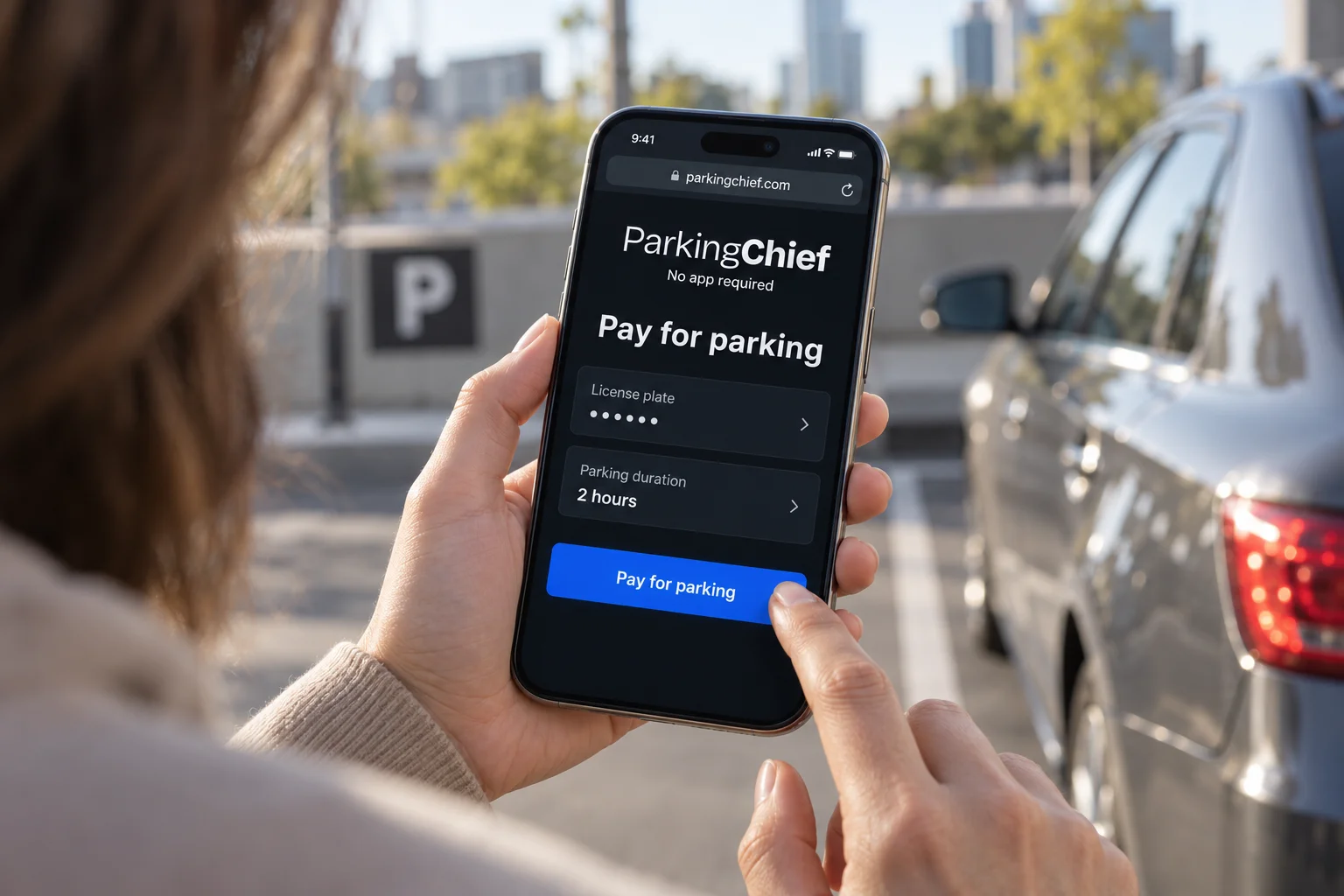
Enter the plate, pick a duration and pay with a card, Apple Pay or Google Pay. Every payment creates a live parking session tied to the license plate.
- Texted receipt and an Apple Wallet or Google Wallet pass
Reminders and extensions by text
For timed sessions, the driver gets a text with a link to the session before time runs out. One tap adds time from dinner, the office or the stadium, so an overstay becomes a paid extension instead of a dispute.
- Expiry reminder texts with a short link
- Add time from anywhere, no return trip to the car
- Operators edit the text messages per location
Pay as you go, charged for the time parked
Pay as you go is for locations where an attendant or LPR at the lane confirms when the car arrives and leaves. The driver adds a card once and parks with no duration to pick. The check-in and check-out, or the camera reads on entry and exit, set the start and end, the ticket page shows a running total, and the card is charged for the time actually parked.
- Start and end confirmed by an attendant or by LPR at the lane
- The final charge settles off-session, even if the page is closed
- No end time, so no reminders or extensions to manage
- A pay-as-you-go report with CSV export
Event pricing on a calendar
Game days and shows need their own rates. Add an event to a location with a start and end, set its prices, and checkout shows the event rates while it runs.
- One calendar of events per location, with live, upcoming and cancelled status
- One to six event prices, by duration, until a time or until the event ends
- Optionally offer regular rates beside the event rates
- A checkout preview in the portal
Enforcement sees every paid plate
Every payment is a live session on the plate. Officers point the handheld at a car, AI license plate recognition reads it, and the paid session shows up instantly. No paid session means a photo-backed Parking Notice the driver can pay online.
- AI license plate recognition on the handheld
- Paid sessions, permits and validations in one lookup
- Photo evidence and reason codes on every notice
- Notices drivers pay online
Pilot program, no long-term commitment
Run ParkingChief at one of your locations and see it working before you decide on the rest.
Parkers get their own account
Parkers can pay without an account, then sign in with their mobile number to see linked Scan-to-Pay and Valet visits together.
- Parking history with location, plate and payment details
- Saved personal vehicles in My vehicles
- Linked Parking Notices, with a link to open them
Manage every lot in the operator portal
Rates, messages, validations and reporting live in the ParkingChief operator portal, next to valet, permits and enforcement.
Rates and rules
- Duration rates and time limits per location
- Event rates on a calendar
- Overnight and oversize pricing
- Merchant validations applied at checkout
Driver messages
- Texted receipts with a short session link
- Expiry reminders and extension links for timed sessions
- Editable message text per location
Reporting
- Sessions, revenue and extensions by location
- CSV export for finance
- Payments settle to your own processor account
- Audit trail on every payment and refund
Every scan-to-pay feature, in one platform
Everything drivers, officers and managers need, included in ParkingChief scan-to-pay.
Driver checkout
- QR code per lot, zone or curb
- Plate entry and duration picker
- Card and mobile wallet checkout
- Texted receipt and session link
After payment
- Expiry reminder texts
- Extensions from the link
- Merchant validations
- Customer account with history
Enforcement
- AI license plate recognition lookup
- Live paid-session check
- Photo-backed Parking Notices
- Notices paid online
- Reason codes and audit trail
Operator tools
- Rates and time limits per location
- Event and overnight rates
- Pay as you go where an attendant or LPR confirms the stay
- Editable text messages
- Reports with CSV export
- Roles per location
Customized to your requirements
Every location runs on its own rules. Set rates, messages, tickets, check-in and payment options per location, and connect your other tools through open APIs and webhooks. ParkingChief is customizable to your operation and your clients' requirements.
Rates and rules
Rates, schedules, overnight and oversize pricing per location.
Your brand
SMS messages, ticket layout, QR code and legal text.
Check-in and payment options
Check-in requirements, payments, tips and retrieval options.
System integrations
Open APIs and webhooks to connect your other tools.
Built for lots, garages, curbs and campuses
Surface lots
Replace payment kiosks with a sign and let enforcement check plates.
Garages and decks
Scan-to-pay on every level, reported with gates and permits.
City curbs and zones
Pay by plate at the curb with no meters to maintain.
Campuses and hospitals
Visitor parking paid by phone, validated by departments.
Questions operators ask
Customer Testimonials
Drivers expect frictionless pay-by-phone options, and our operations team requires real-time License Plate Recognition (LPR) compliance verification. Connecting mobile transactions to live enforcement data makes scan-to-pay essential to our operation.
Parking Operations Manager We needed to convert drive-up transient parkers without forcing app downloads. Deploying targeted QR signage streamlined the payment flow and reduced friction at entry.
Commercial Property Manager Managing multi-zone rate structures and dynamic pricing across locations requires centralized control. Monitoring active parking sessions in a unified operator portal streamlines traffic management and operational oversight.
Municipal Parking Director I need immediate insight into lot occupancy and revenue metrics without manually consolidating data from disparate systems. Location-based reporting gives me an actionable overview of operational performance.
Parking Lot Owner
Related parking solutions and guides
Frequently Asked Questions
What is a paperless parking system?
A paperless parking system replaces paper tickets and payment kiosks with a digital ticket and a session tied to the license plate. With ParkingChief, drivers scan a QR code, pay by phone and get the receipt by text, and enforcement checks the plate instead of a dashboard ticket.
How does scan to pay parking work?
Drivers scan the QR code on a sign with the phone camera, enter the plate, choose a duration and pay in the browser with a card, Apple Pay or Google Pay. No app and no account. The receipt and a link to the session arrive by text.
Can drivers extend their parking from their phone?
Yes. Before time runs out the driver gets a reminder text with a link to the session, and one tap adds time without walking back to the car.
How does enforcement know a car has paid?
Every payment is a live session on the plate. Officers read the plate with AI license plate recognition on the handheld and see the paid session, permit or validation instantly. A car with no paid session gets a photo-backed Parking Notice the driver can pay online.
Do we need to buy kiosks or new hardware?
No. Scan-to-pay runs on posted QR signs and the driver's own phone, so there are no kiosks to buy, maintain or collect from. Payments settle directly to your own processor account.
With pay-as-you-go, does the parker pick a duration?
No. With pay-as-you-go there is no duration to pick up front. The parker adds a card, an attendant (valet) or the LPR camera at the lane (gated) confirms entry and exit, and the charge is based on the time actually parked.
What if a pay-as-you-go parker closes the ticket page?
The charge still goes through. ParkingChief finalizes the payment off-session against the card on file, so the parker does not need to keep the page open or come back to it.
What is Super Intelligence (SI) in ParkingChief?
Super Intelligence (SI) capabilities are being developed for ParkingChief, including SI-powered valet (Super Intelligence Valet) and SI-powered Scan-to-Pay (Super Intelligence Scan to pay). AI remains part of the platform, including AI license plate recognition in the valet workflow.